

Powerful Tools to Manage Audience Feedback

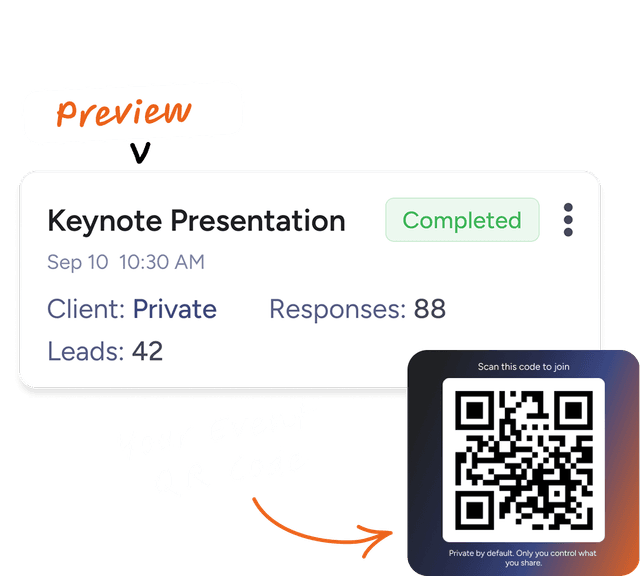
Capture audience feedback in seconds. See it in an organized dashboard. Share and follow-up with ease.
 No card required
Immediate Value:
98%
14 Day Free Trial
Would Attend This Event Again:
95%

Available on the App Store and Play Store
Download Our App!


How it Works
Get set up quickly and start seeing impact from day one.
Step 01
Generate a QR code. Display it and capture feedback in seconds
Scan, click, submit. Attendees answer a few quick prompts

Step 02
See results in a clean, social style feed
Filtered feedback, testimonials, attendees and stats.

Step 03
Share a polished summary
Share results using a simple link.

Step 04
Grow and track results
Send personal follow-up with AI-powered tools.

Why ProfessionalsPeople Choose SpeakFeed
More feedback. More referrals. Smarter decisions.

Mobile first. Built for the room.

Monthly subscription. Cancel any time.

AI follow-ups you can edit before sending.

Ready for any language.

Privacy by default. Keep client names and fees private.


Our Trusted Members
Hear how Speakers, Event Organizers and Meeting Professionals use SpeakFeed to manage audience feedback